Complete IM client with cute design and great features

QQ Messenger may not sound familiar, but it's the most popular IM client in China.

When you think about IM clients, the first names that come to your head are Windows Live Messenger, Yahoo! Messenger and the likes. But have you ever heard of QQ Messenger?

With more than one billion registered accounts, QQ Messenger is now more than just a simple IM client: it's a whole social phenomenon that millions of people use on a daily basis, and an essential part of their lives.

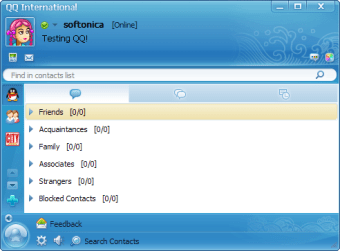
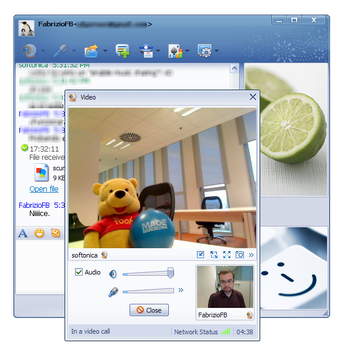
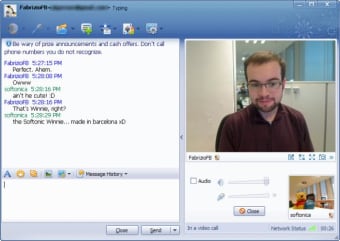
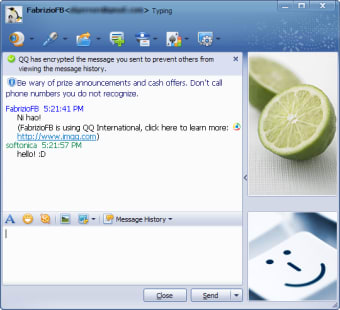
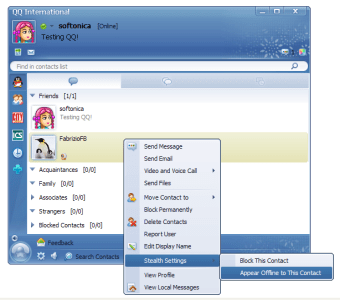
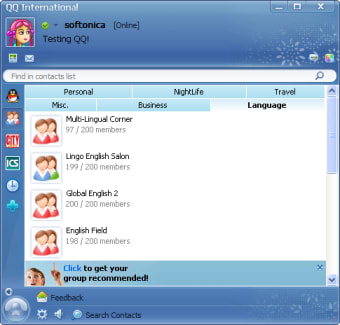
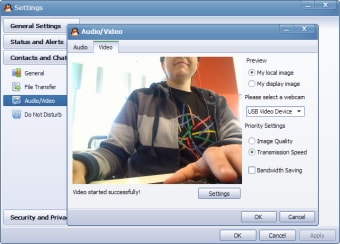
The truth is that QQ Messenger is not that different from other IM clients you may have used. There are the typical contacts list – which you can organize by groups - support for voice and video chats, smileys, nudges, ability to send photos and share files (with support for pause/resume!), and other utilities we're used to finding in IM clients. There's one important difference however: in QQ Messenger you hardly find any ads!

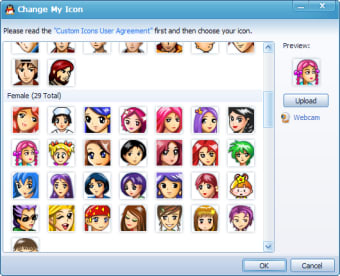
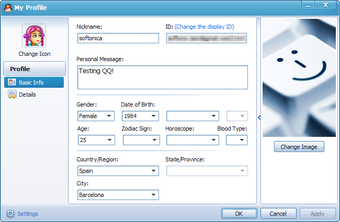
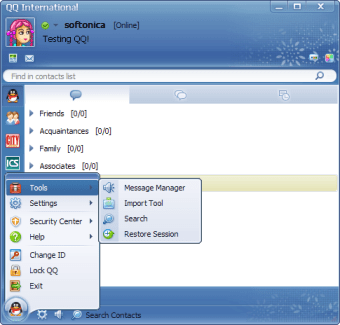
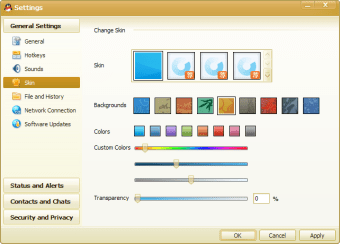
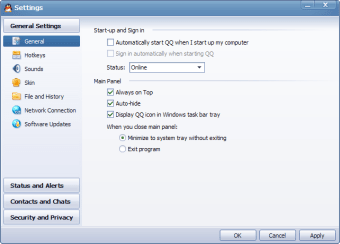
Besides the traditional IM tools, QQ Messenger also includes some not-so-common features. You'll be able to capture an area of your screen or record a short video clip on the spot, and share both of them instantly with your contacts. Another area where QQ Messenger stands out is personalization. You can customize almost anything, from choosing a skin for the interface to selecting the font for your messages. The program also includes a wide selection of avatars and personal pictures to choose from, but if you don't like any of them, simply upload one from your hard drive. The only thing that didn't work for us was downloading more themes from the Web.

QQ Messenger is mainly a tool for chat, but it can also be used to help your friends or customers thanks to its integrated Remote assistance tool: a basic remote control app that grants you access to your friend's desktop and enables you to help them with any computer issue.

In general terms, QQ Messenger surprised us for various reasons: first, it features a nicely designed interface with cute buttons and icons, which is hard to find in IM clients; second, it has interesting extra features that make it a complete communication tool; and third, it's amazing how such a popular program with more than a billion users is still known by so few people over here!

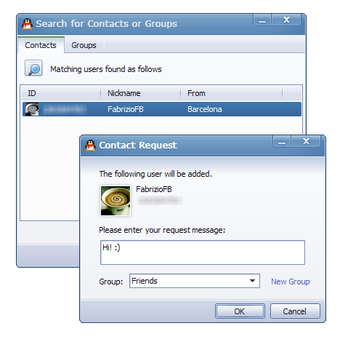
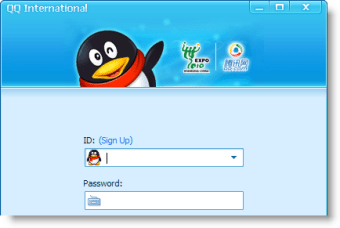
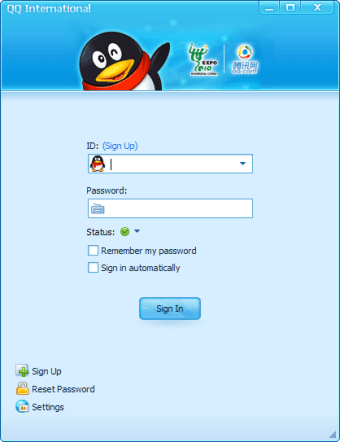
On the downside, I have to admit that QQ Messenger was a bit unreliable when trying to add contacts - which, by the way, are identified with numbers, like good old ICQ. Not a very user-friendly method, I'd say. Other than that, QQ Messenger is a great IM cilent that is definitely worth trying out.

QQ Messenger, the most widely used IM client in China, has now an international version that may help it become even more popular!


  • Pros

    • Clear, nicely designed interface
    • Lots of customization options
    • Support for text, voice and video chats
    • Usual IM features: smileys, nudges, file sharing...
    • Extra tools like remote control, screen capture and video recording
  • Cons

    • Sometimes adding contacts is difficult
    • You can't download new interface themes
    • Number ID for contacts: not very user-friendly!

 0/15

App specs

  • License

    Free

  • Version

    9.6.7.28815
  • Latest update

  • Platform

    Windows

  • OS

    Windows XP

  • Language

    English

    Available languages

    • English
    • French
    • Japanese
  • Downloads

    1.7M

    Last month's downloads

    • 89
  • Size

    198.58 MB

  • Developer

Program available in other languages


Icon of program: QQ Messenger

QQ Messenger for PC

  • Free
  • 3.6
    1413
  • 1.7M
  • V9.6.7.28815

User reviews about QQ Messenger

3.6

11 reviews

Add review

Main reviews for you

  • Anonymous user

    Why on earth would I use an app that releases all of my private information, including browsing history, to the CCP, and publishes some of it publically??

  • Anonymous user

    Good this app is supported my work a lot i recommended for other user

  • Anonymous user

    Its good for message, large file transfer etc. I will recommend

  • Anonymous user

    Itsvery easy to use. you also can use. Thanks a lot to tencent tech.

  • Anonymous user

    Great. I have been dowloading file through QQ and it is fast.

  • Anonymous user

    Best. best & unique. am loving it and its simple . hoping to learn

More

You may also like

Alternatives to QQ Messenger

Explore Apps

Latest articles

Laws concerning the use of this software vary from country to country. We do not encourage or condone the use of this program if it is in violation of these laws.
Softonic

Is QQ Messenger safe?

91/100

Score result: Warning

This file has been flagged as potentially harmful or containing unwanted bundled software. Please proceed with caution.

  • Virus free
  • Spyware free
  • Malware free
  • Verified by Security Partners

    VirusTotal logo

Scan Info

Last scan
Monday, January 1, 2024
Scan provider
VirusTotal · Full report

File Integrity

File
QQ9.6.7.28815.exe
SHA256
fdd2d90d6bb8360caa9cec26c3154a6c70a6483e2f0cc8769d8094157b20df6b
SHA1
9713d4d6667550fc84d4d49a5696879b2a3112b5

Softonic security notice

This software has been thoroughly scanned by our advanced security systems and verified by industry-leading partners. However, one or more antivirus engines have flagged this software with potential risks. While these detections may be false positives, we recommend caution when downloading and installing. Some programs may include unwanted software or behaviors that could affect your device. False positives can occur when safe software is mistakenly flagged as harmful due to overly cautious detection rules or algorithms in antivirus tools. This means the program may still be safe to use, but we advise reviewing the details before proceeding.